
Adding and replacing disks
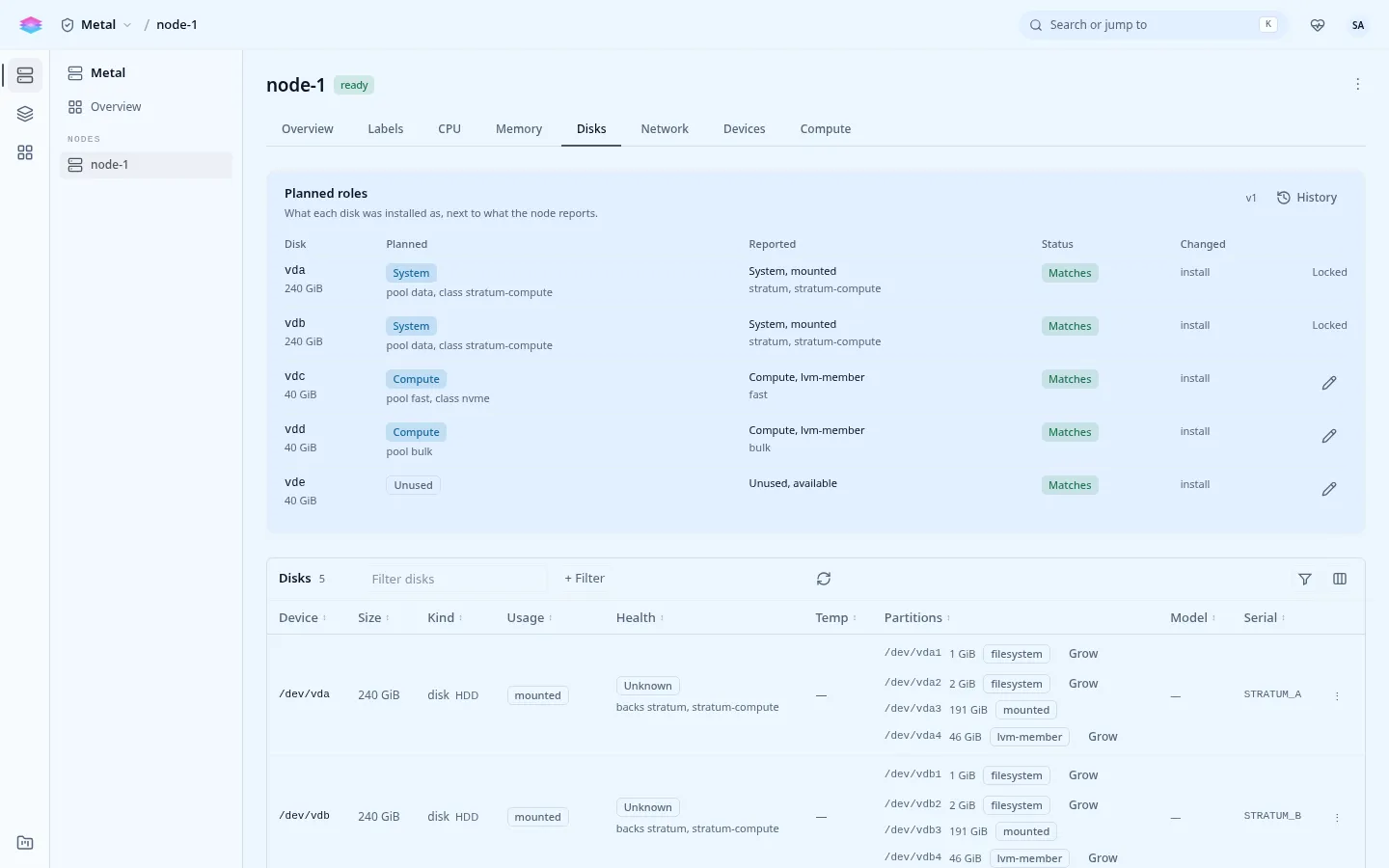
Console: the node’s Disks tab under Admin › Metal, and Admin › Platform › Catalog › Storage for pools and classes.
On a cluster, a disk can also be given to Ceph: see Ceph day 2 to add an OSD or replace a failed one.
See what a node has
Section titled “See what a node has”stratumctl nodes disks n-abc123 # every block device, its use, and which are freestratumctl storage-pools list # pools, state, capacity and their disksA disk is free when nothing is on it: no partition table, filesystem, LVM or MD signature, and not mounted.
Add a disk as a new pool
Section titled “Add a disk as a new pool”stratumctl storage-pools create bulk --disk /dev/disk/by-id/nvme-EXAMPLE_C \ --create-storage-class --storage-class-name bulkName disks by /dev/disk/by-id/, never /dev/sdX, which can change between
boots. A disk that held something before is refused until it is wiped:
stratumctl nodes disk-wipe n-abc123 nvme1n1 --force-wipedisk-wipe never touches a mounted disk or one that is part of an active pool.
Grow a pool
Section titled “Grow a pool”stratumctl storage-pools extend bulk --disk /dev/disk/by-id/nvme-EXAMPLE_DThe pool then spans both disks without redundancy: losing either loses the pool. For redundancy, build the pool on an MD array at install; see Stage 2: Storage.
Take a disk out of a pool
Section titled “Take a disk out of a pool”stratumctl storage-pools shrink bulk --disk /dev/disk/by-id/nvme-EXAMPLE_DThe disk’s data must fit on the pool’s other disks. Move or delete volumes
first if it does not. An empty pool is removed with
stratumctl storage-pools delete bulk.
Replace a failing drive
Section titled “Replace a failing drive”When a drive reports failing or wearing (see
Drive health), plan the
replacement:
| The drive is | Do |
|---|---|
| A pool’s only disk | Move the volumes off it while it still reads: snapshot or copy the data out from the instances, then delete the volumes and the pool. Replace the drive and create the pool again. |
| One of several disks in a pool | storage-pools shrink the drive out, replace it, then storage-pools extend the pool onto the new drive. |
| A member of a data MD array (RAID 1 or 10) | The array keeps running degraded and md-raid-degraded fires. Replace the drive and add the new one to the array with mdadm. |
| One disk of the OS mirror | The system keeps running from the other disk. Replace the drive and re-add it to the OS arrays with mdadm. |