
Create a join code
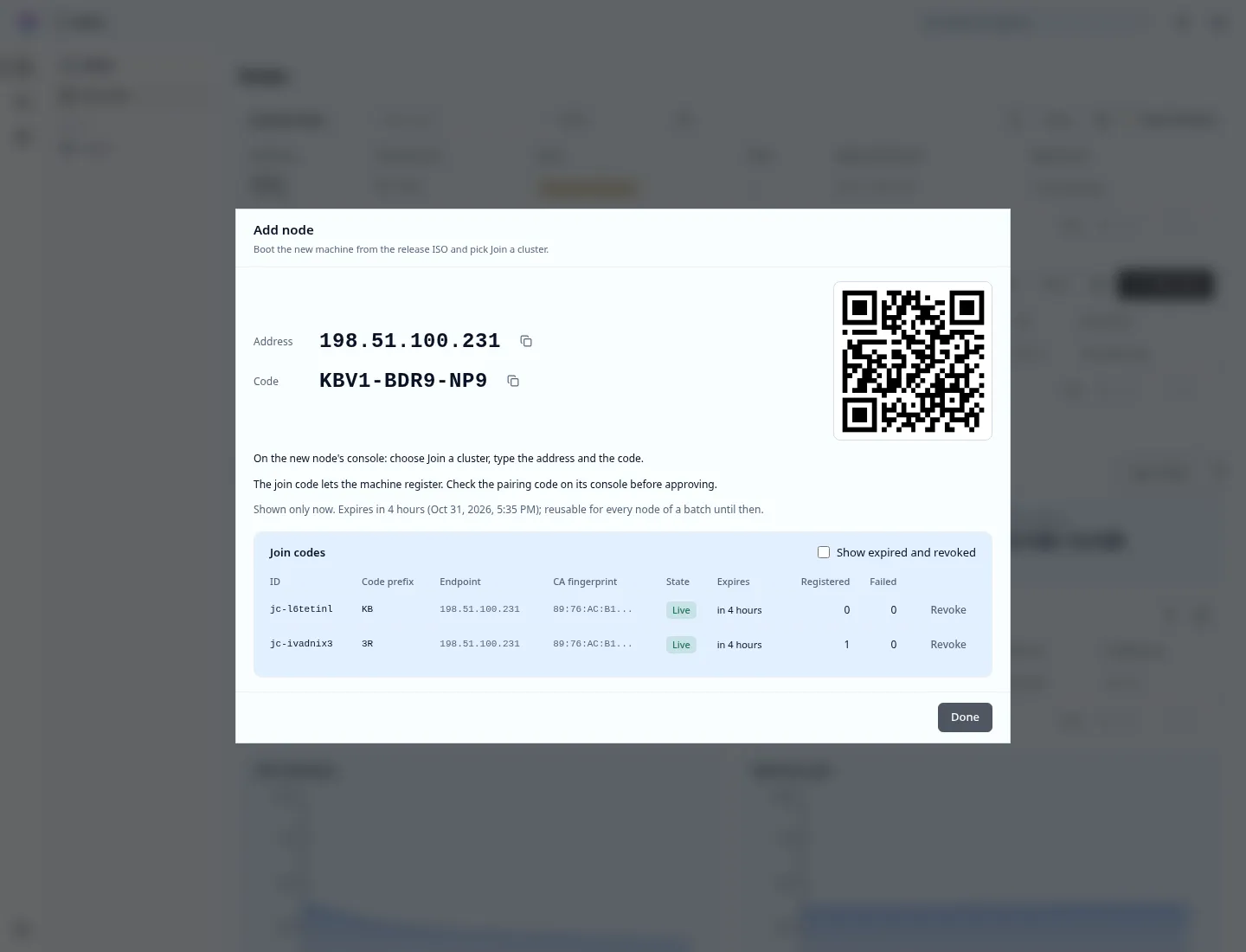
A join code lets machines register with the cluster. Registering gives them no access: each machine still waits for your approval.
Sign in, then in Admin › Metal select Add node. Choose how long the code lives (1 hour, 4 hours, 24 hours or 7 days) and select Create join code. The dialog shows the address and the code, once.
stratumctl admin nodes join-code create # lives 4 hoursstratumctl admin nodes join-code create --ttl 24h --qrAddress: 192.0.2.240Code: 4F7K-2Q9M-ABDURL: stratum-join://192.0.2.240/4F7K-2Q9M-ABD--ttl is at most 168h. --qr also prints the URL as a QR code.
--address names a control-plane node’s address instead of the API VIP.
Give the new machine the address and the code. See
join-code.
- The code is shown once and the cluster keeps no copy of it. Case, dashes and spaces do not matter. The last character is a check character, so a typo is caught on the machine.
- One code serves a whole batch of machines until it expires or you revoke it.
- The machine and the cluster prove the code to each other before the machine sends anything, so a machine that reaches the wrong address stops.
- Ten wrong attempts burn the code. Create a new one.
- While a code is live, every control-plane node listens on TCP 9444; with no live code the port is closed. The new machines must reach it.
stratumctl admin nodes join-code liststratumctl admin nodes join-code revoke jc-4f7k2q9mRevoke the code once the last machine has joined. Readiness reminds you
(JoinCodeLiveAtPlannedSize) while a code is live and the cluster has its
planned control-plane nodes.
Next: install the other nodes.