
First sign-in
The install creates one administrator, with the email chosen in stage 2
(admin@cloud.internal by default) and a generated one-time password. The first
sign-in must replace it: until then, that session can do nothing else.
| Address | |
|---|---|
| Console | http://<node>:8088 |
| API | http://<node>:8443 |
<node> is the node’s LAN DNS address, by default its management address.
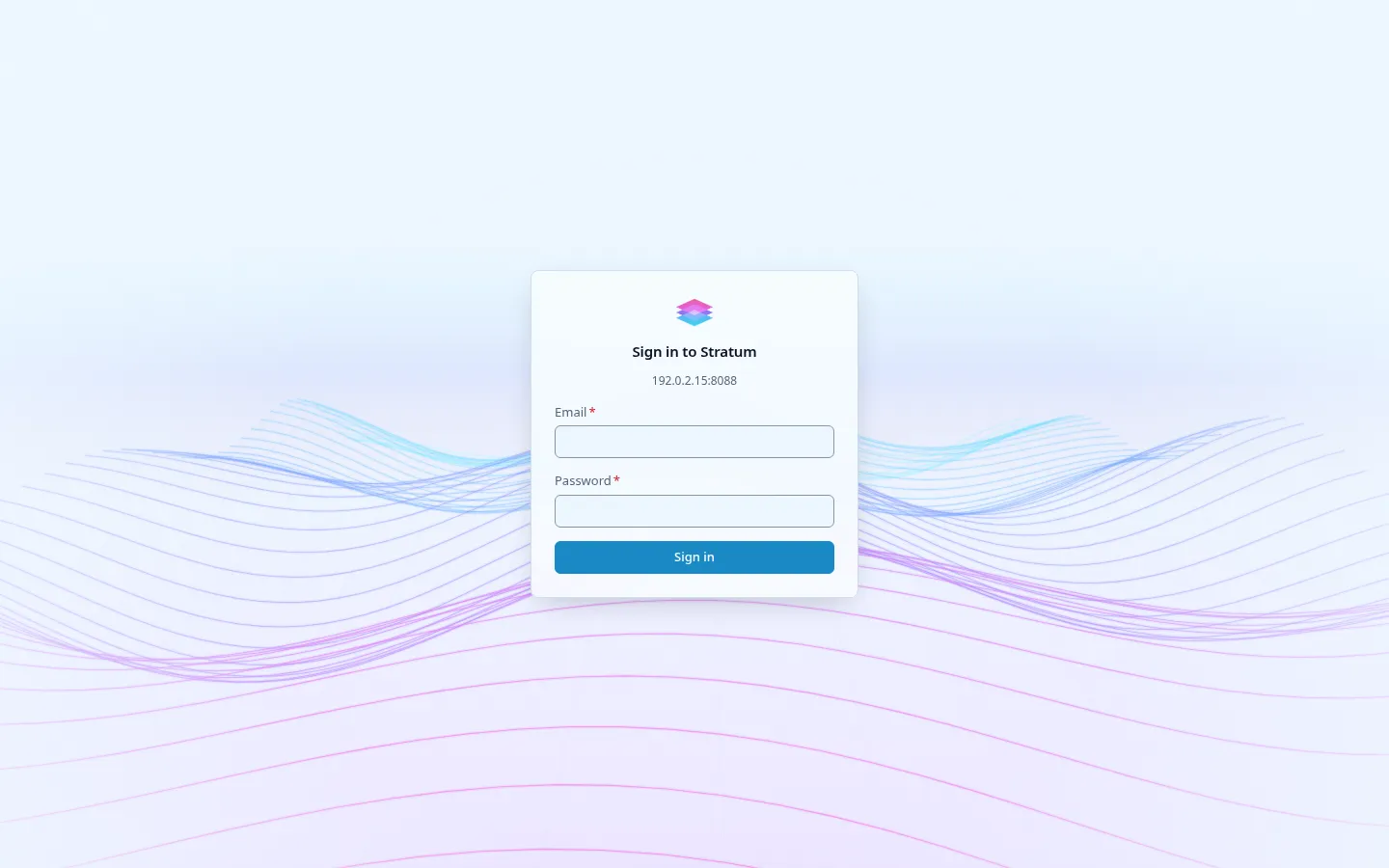
- Open
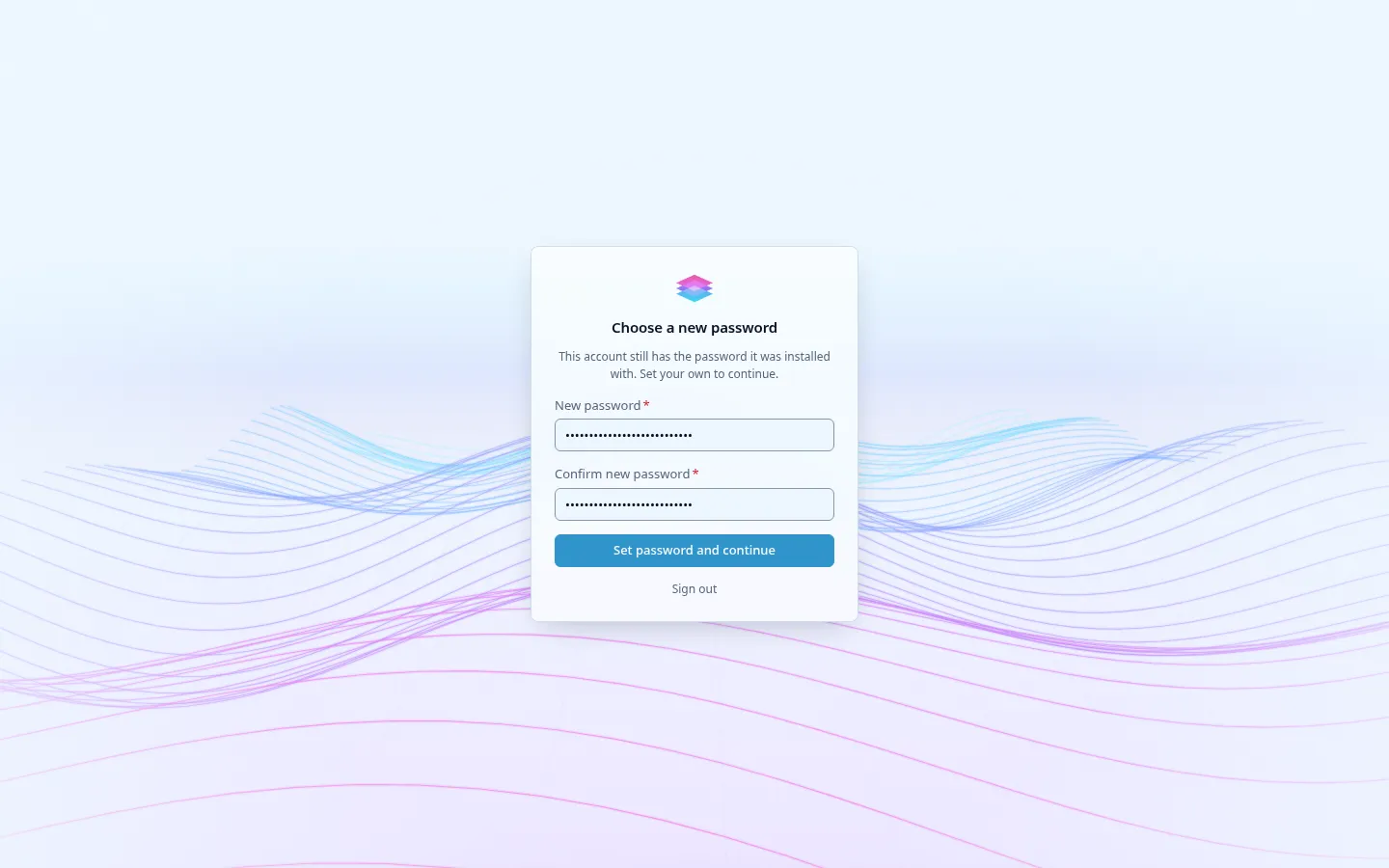
http://192.0.2.10:8088and sign in with the admin email and the initial password. - The console asks for a new password straight away: at least 8 characters, different from the initial one.
stratumctl is installed on the node; a copy on a workstation works the same way.
stratumctl login --endpoint http://192.0.2.10:8443 --email admin@example.comIt asks for the password, then for a new one. In a script, pass
--new-password (or STRATUM_NEW_PASSWORD). The session is saved in
~/.stratum/config.yaml; set defaults once to skip flags later:
stratumctl configure --endpoint http://192.0.2.10:8443 --region local-1stratumctl auth statusAfter the change, the initial password no longer signs in and every other
session of the admin is signed out. Change the password again later with
stratumctl auth change-password, or from the console.
Where the initial password is
Section titled “Where the initial password is”-
On the installer’s Done screen and in
stratum-installer report, while it still signs in. -
On the node, root only:
Terminal window sudo grep -E '^(EMAIL|PASSWORD)=' /var/lib/stratum/bootstrap-credentials.txt
The console banner on the node says where to read it, never the password itself.
Forgotten password
Section titled “Forgotten password”As root on the node, issue a new one-time password:
sudo stratum-bootstrap recover admin-password --yesIt is printed once; the next sign-in must replace it.
Lost second factor
Section titled “Lost second factor”If the admin has enrolled a second factor and lost it with its recovery codes, as root on the node:
sudo stratum-bootstrap recover admin-mfaThe next sign-in enrolls a new one.
- Add a second administrator with their own credentials, so a lost password or MFA device does not lock the cloud. See Access.
- Reach the cloud from your LAN.
- Keep OpenBao’s recovery key (shown on the installer’s Done screen) off the
node. If you missed it, root on the node prints it with
sudo stratum-bootstrap recover openbao-key. - Check readiness.